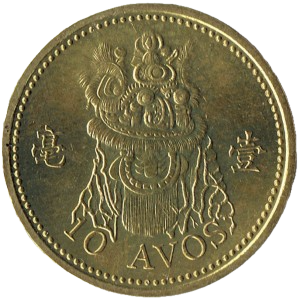
 Image unavailable · Download remains available
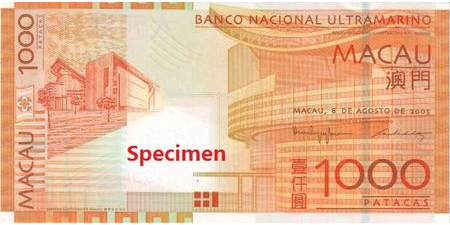
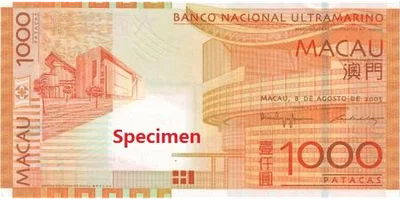
MOP$1,000
PNG · 450 × 225266 KB
Limited source resolution
Download PNG Monaura.
A PERSONAL TOUCH, DOWN TO THE LAST COIN
Make Monaura feel a little more yours. Download real banknote and coin images, then choose the ones you love in the app’s Money Visualization settings.
13 / 13 images available · Download one image at a time
MOP / THE IMAGE LIBRARY
13 / 13 images available · Banknotes and coins are separate, just like in the app.
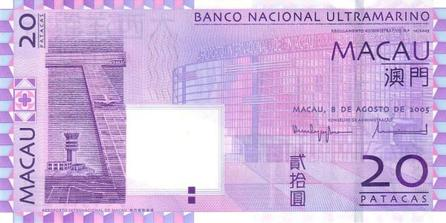
Image unavailable · Download remains availablePNG · 450 × 225266 KB
Limited source resolution
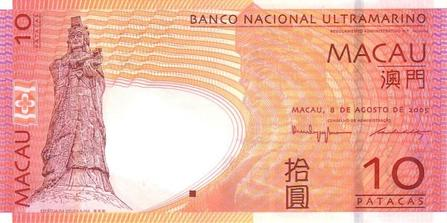
Download PNG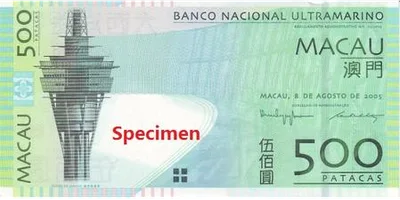 Image unavailable · Download remains available
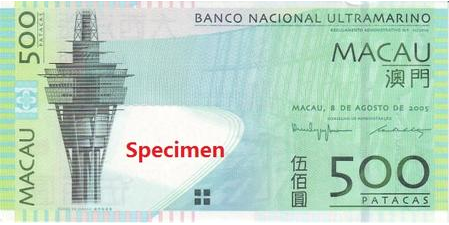
PNG · 449 × 225242 KB
Limited source resolution
Download PNG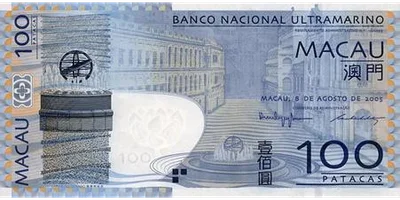 Image unavailable · Download remains available
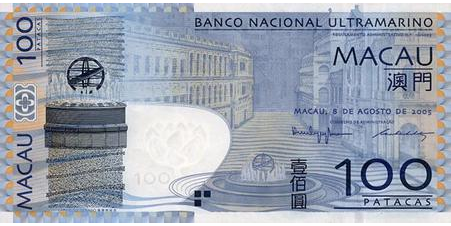
PNG · 451 × 226255 KB
Limited source resolution
Download PNG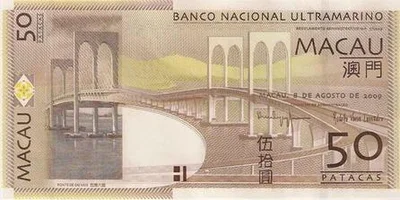 Image unavailable · Download remains available
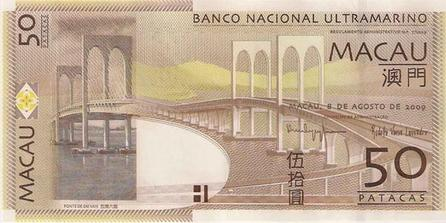
PNG · 446 × 223217 KB
Limited source resolution
Download PNG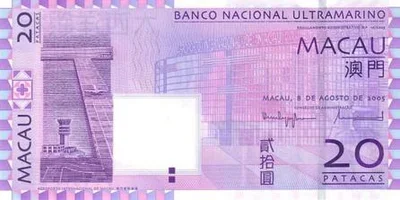 Image unavailable · Download remains available
PNG · 446 × 223220 KB
Limited source resolution
Download PNG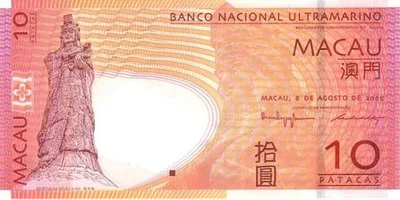 Image unavailable · Download remains available
PNG · 447 × 224260 KB
Limited source resolution
Download PNG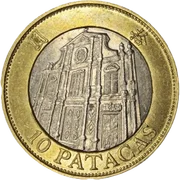 Image unavailable · Download remains available
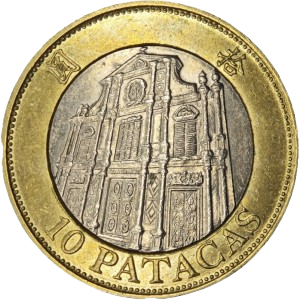
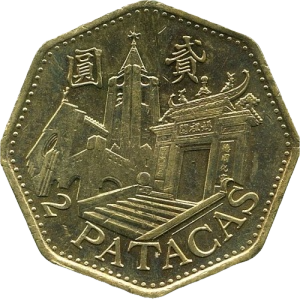
PNG · 300 × 300216 KB
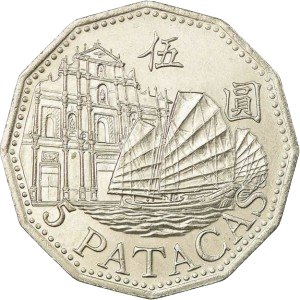
Download PNG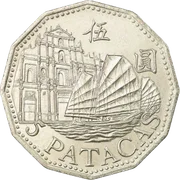 Image unavailable · Download remains available
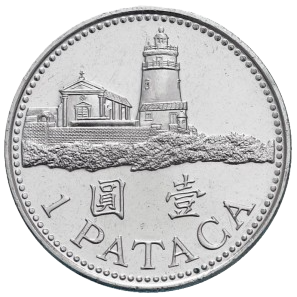
PNG · 300 × 300174 KB
Download PNG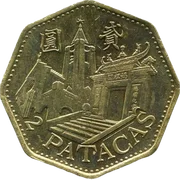 Image unavailable · Download remains available
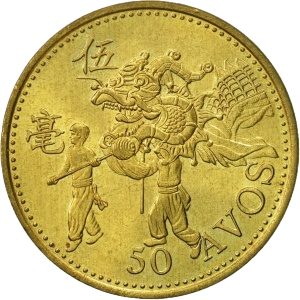
PNG · 300 × 300190 KB
Download PNG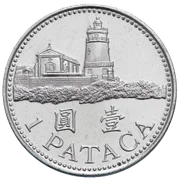 Image unavailable · Download remains available
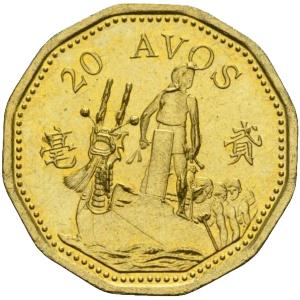
PNG · 297 × 297110 KB
Download PNG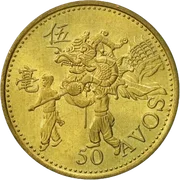 Image unavailable · Download remains available
PNG · 300 × 300208 KB
Download PNG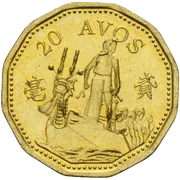 Image unavailable · Download remains available
PNG · 300 × 300202 KB
Download PNG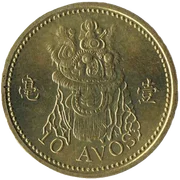 Image unavailable · Download remains available
PNG · 300 × 300197 KB
Download PNGA FEW SMALL STEPS
For the current iOS app. Download the PNG for your chosen denomination, then select it in Monaura.
Choose a banknote or coin and download its PNG. On iPhone, save it to Photos. If Safari saves to Files, open the PNG and use Share → Save Image.
In Monaura, open Settings → Custom Currency Images. Select the currency, then tap a banknote or coin.
Choose your saved image, check the crop, and confirm. Banknotes use a 2:1 frame and coins use 1:1. You can restore the default artwork in the app at any time.
On Android, choose Photos or Files after tapping a denomination. Background removal needs compatible Google Play services and a downloaded model; using the original image remains available.
These images are for on-screen customization. Series and depicted sides vary. Existing SPECIMEN and sample marks are kept. Sources and rights differ by image, and attribution for some collected images remains unverified. For further use, follow the issuer’s reproduction conditions.
MOP · Visit the issuer’s referenceAbout money visualization