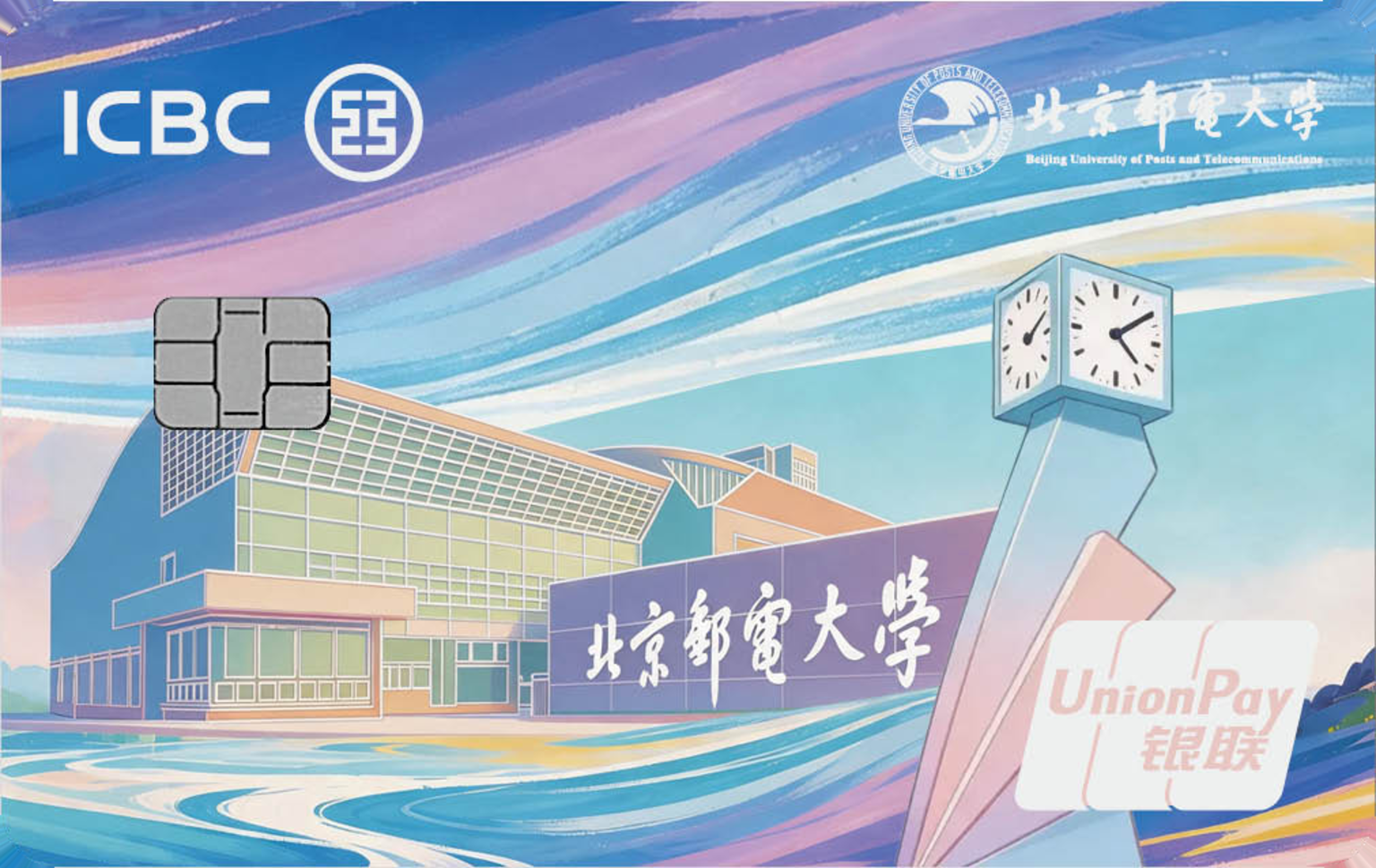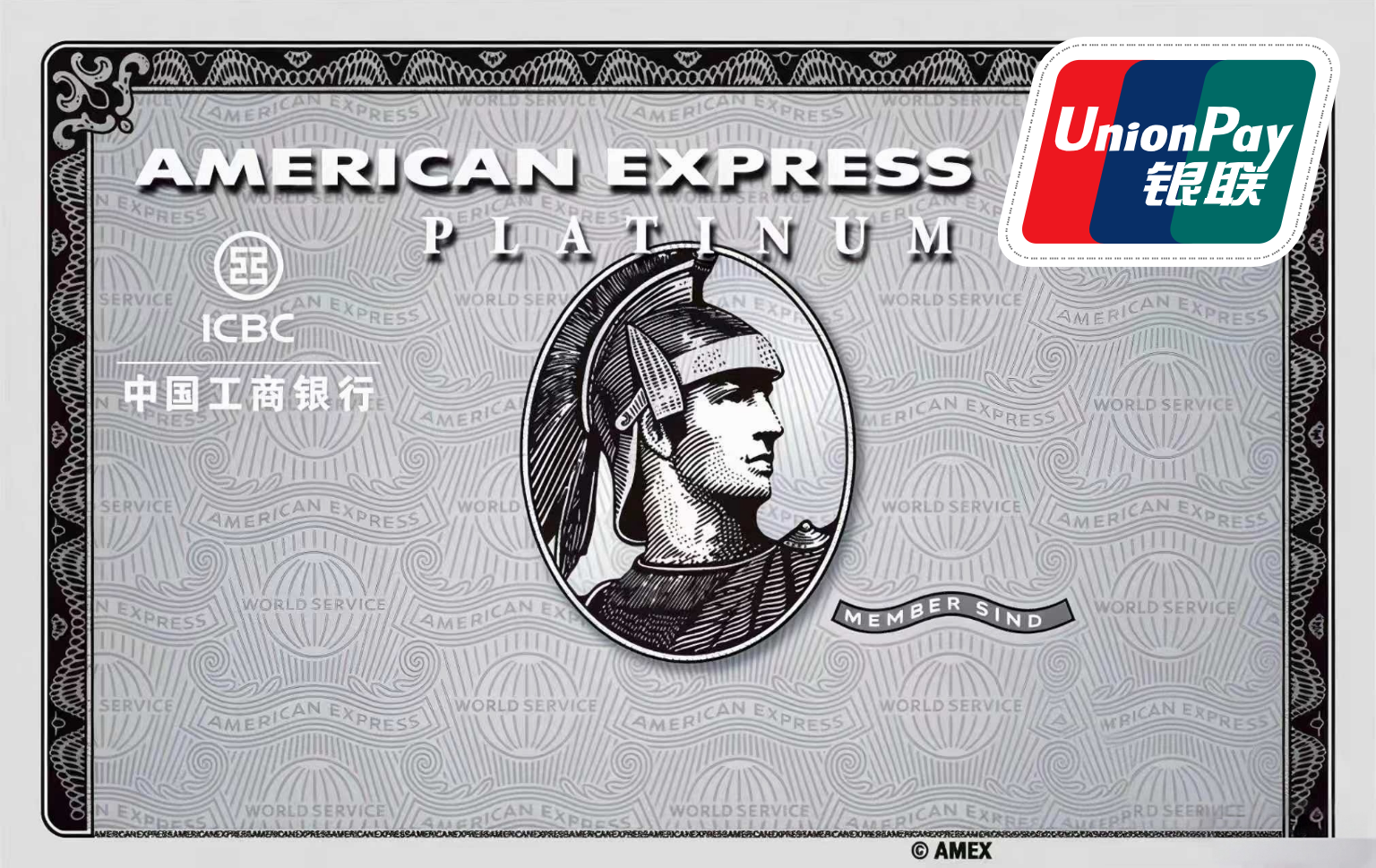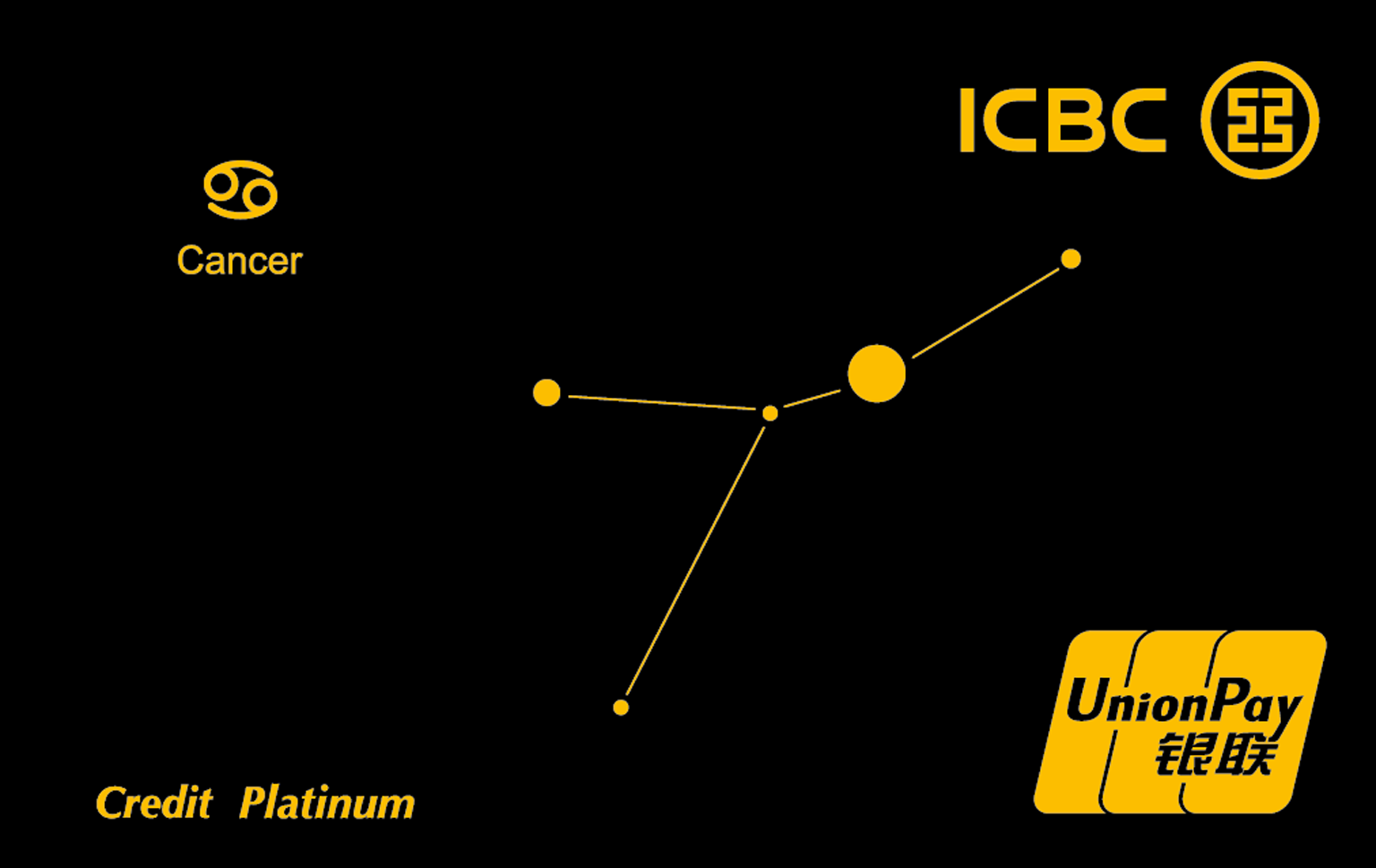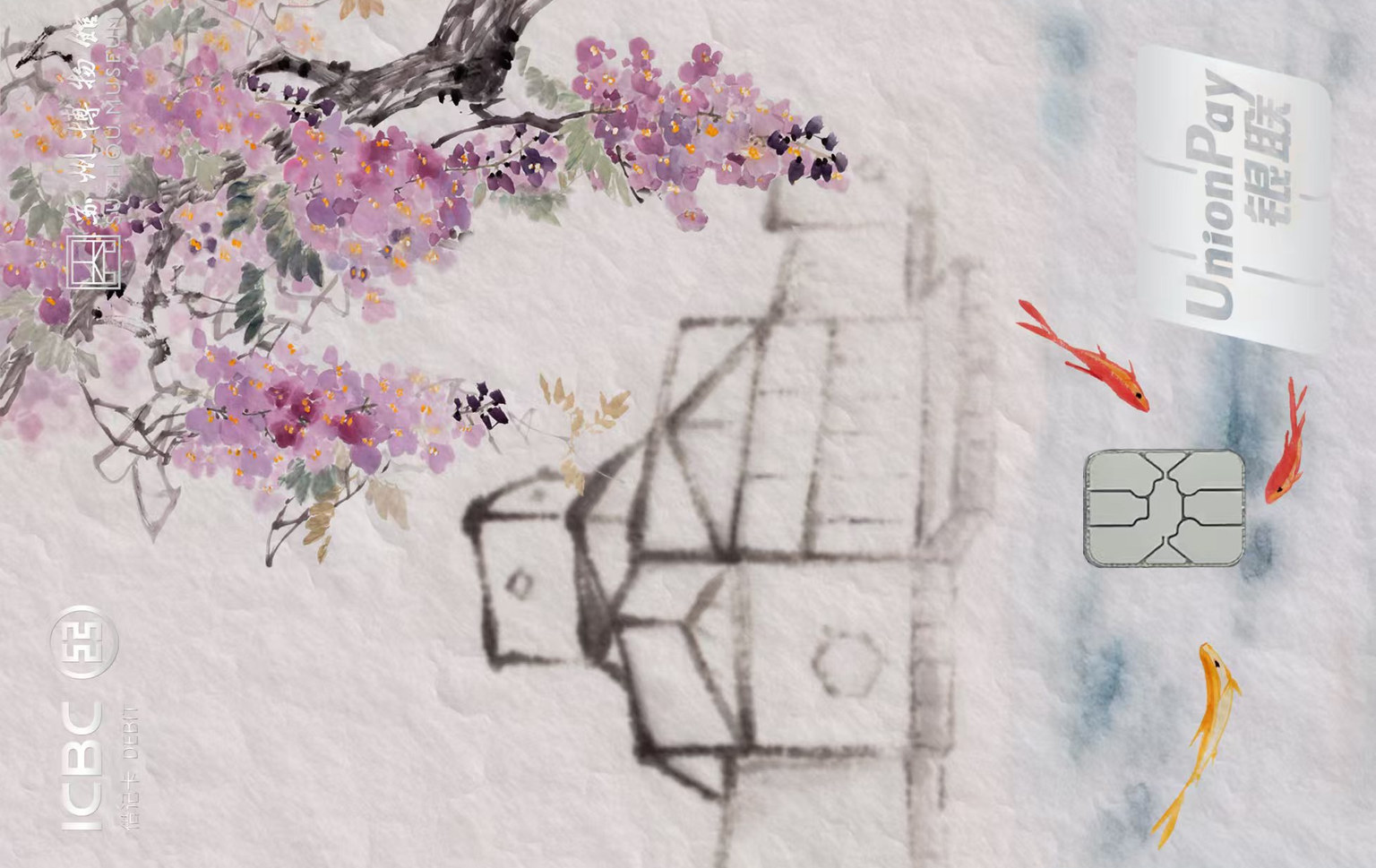
 Preview unavailable
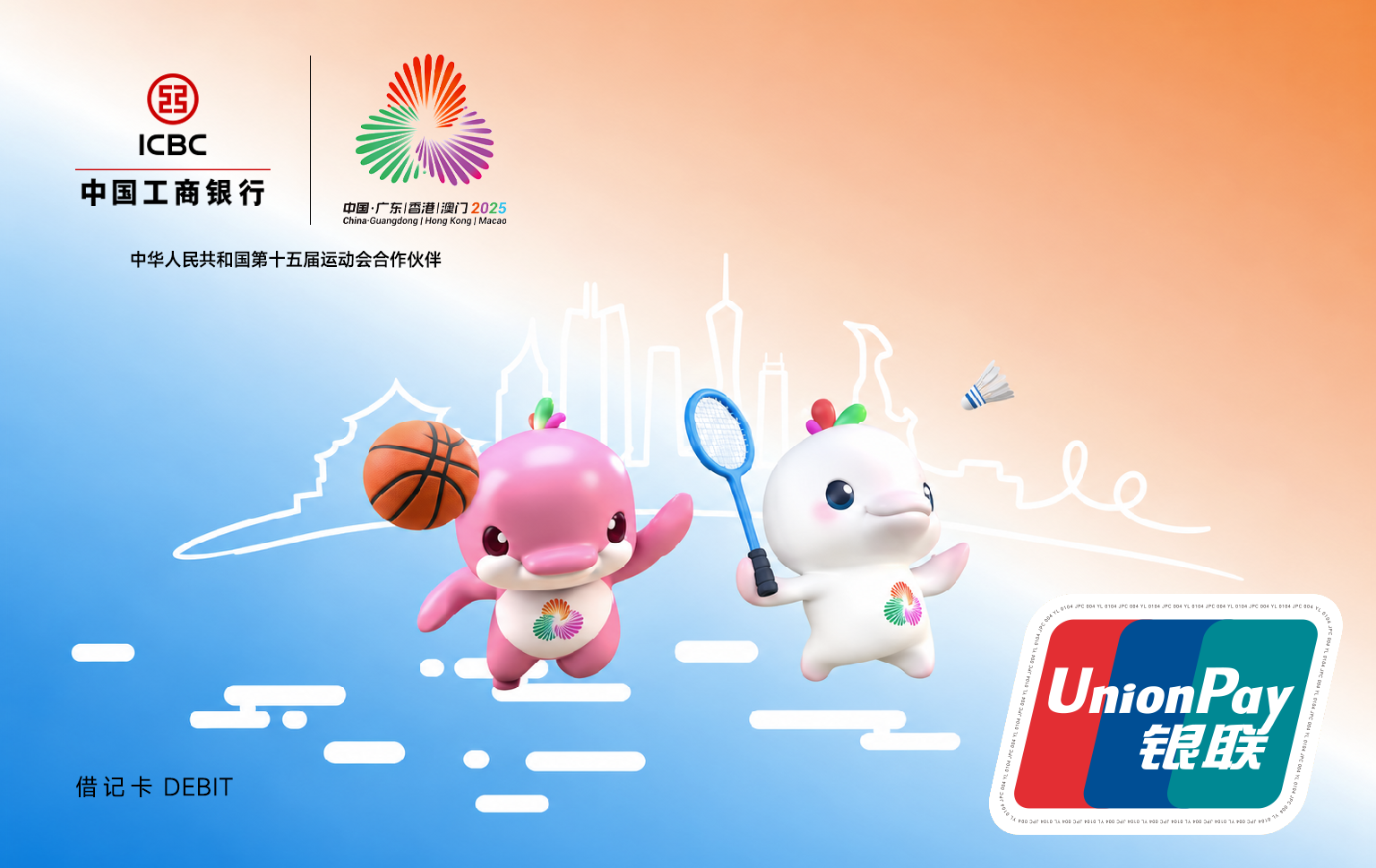
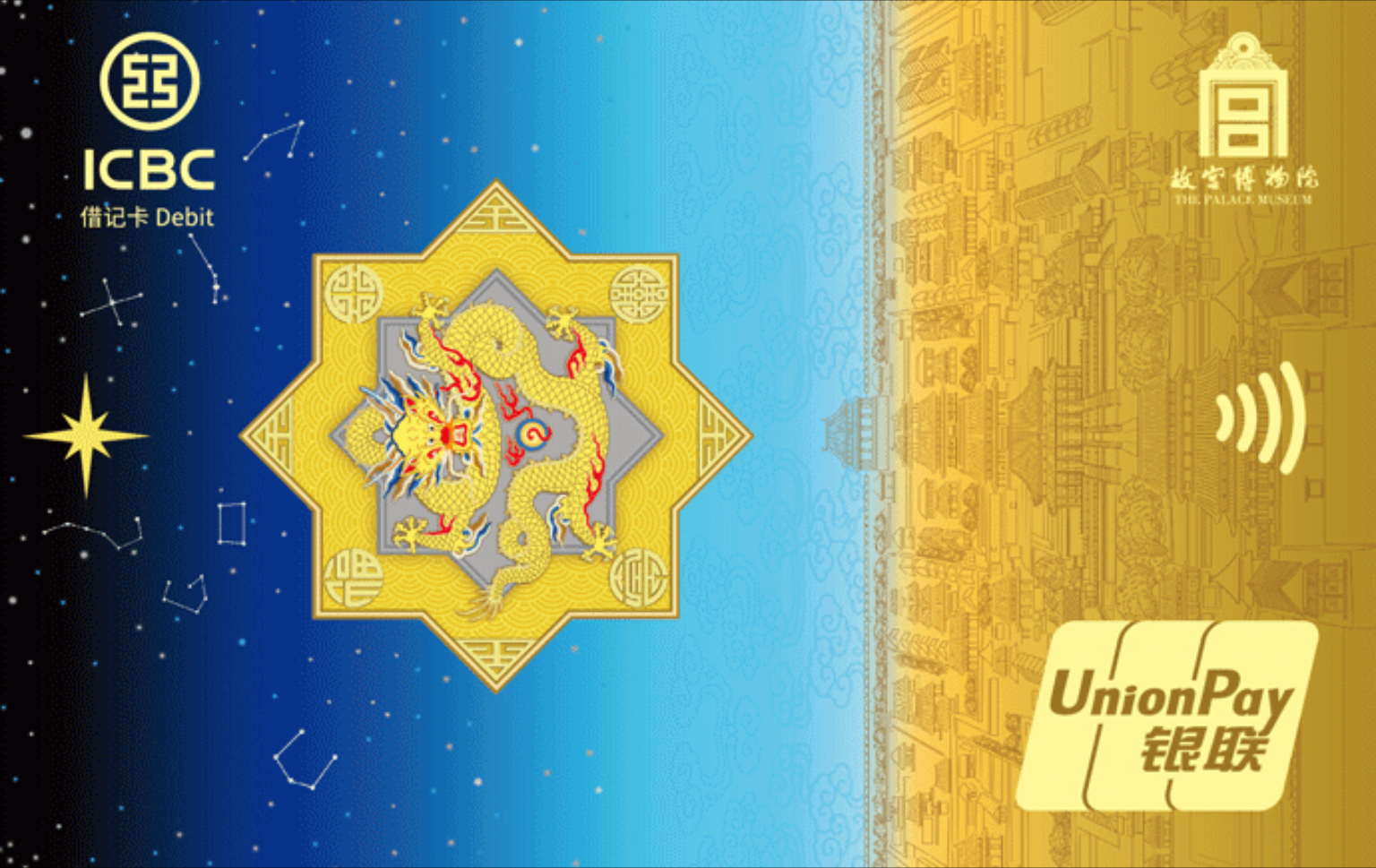
工行i小宇主题借记卡低碳版
Industrial and Commercial Bank of China (ICBC)
UnionPayDownloadPNG
 Monaura.
ACCOUNT CARD COVERS
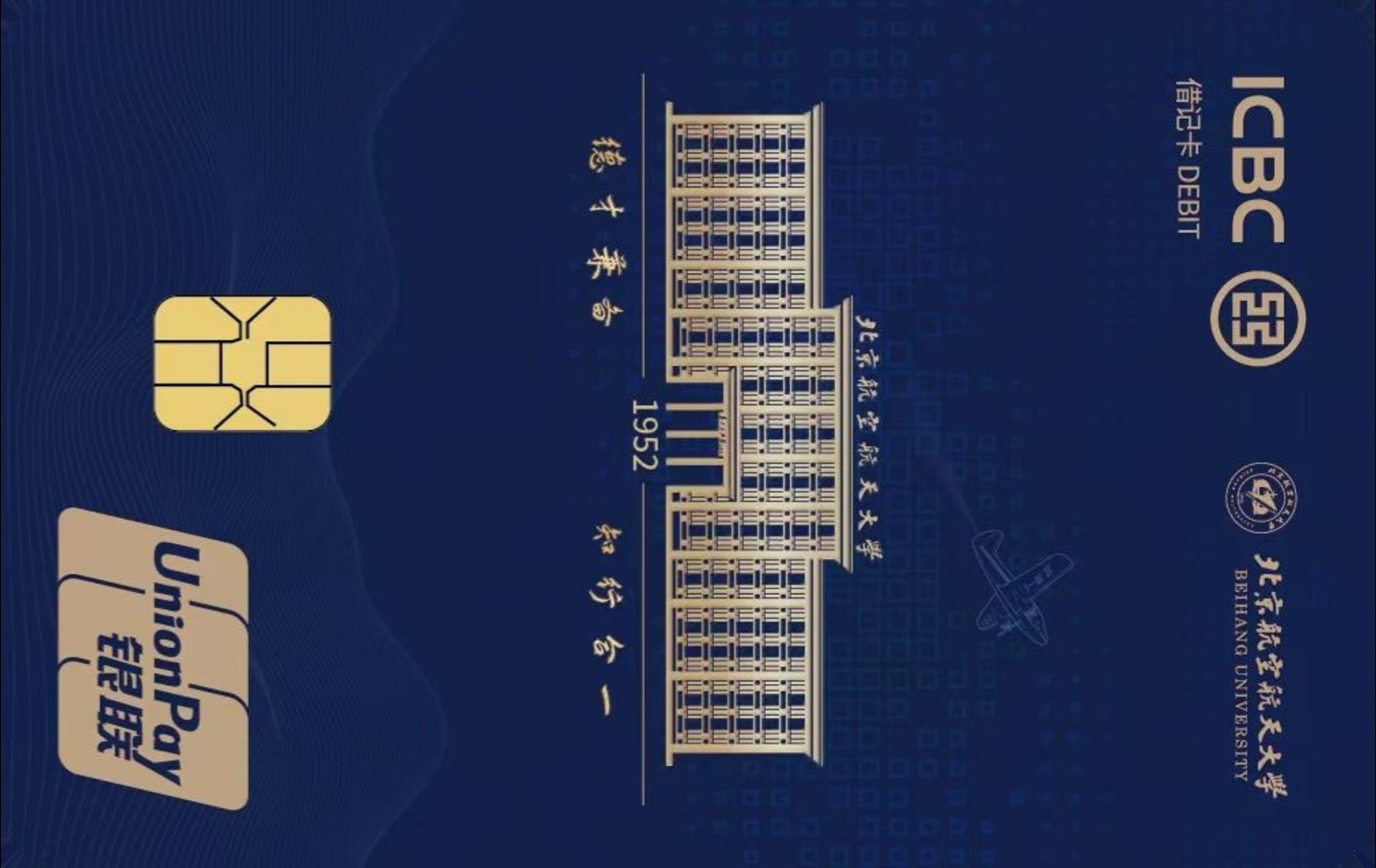
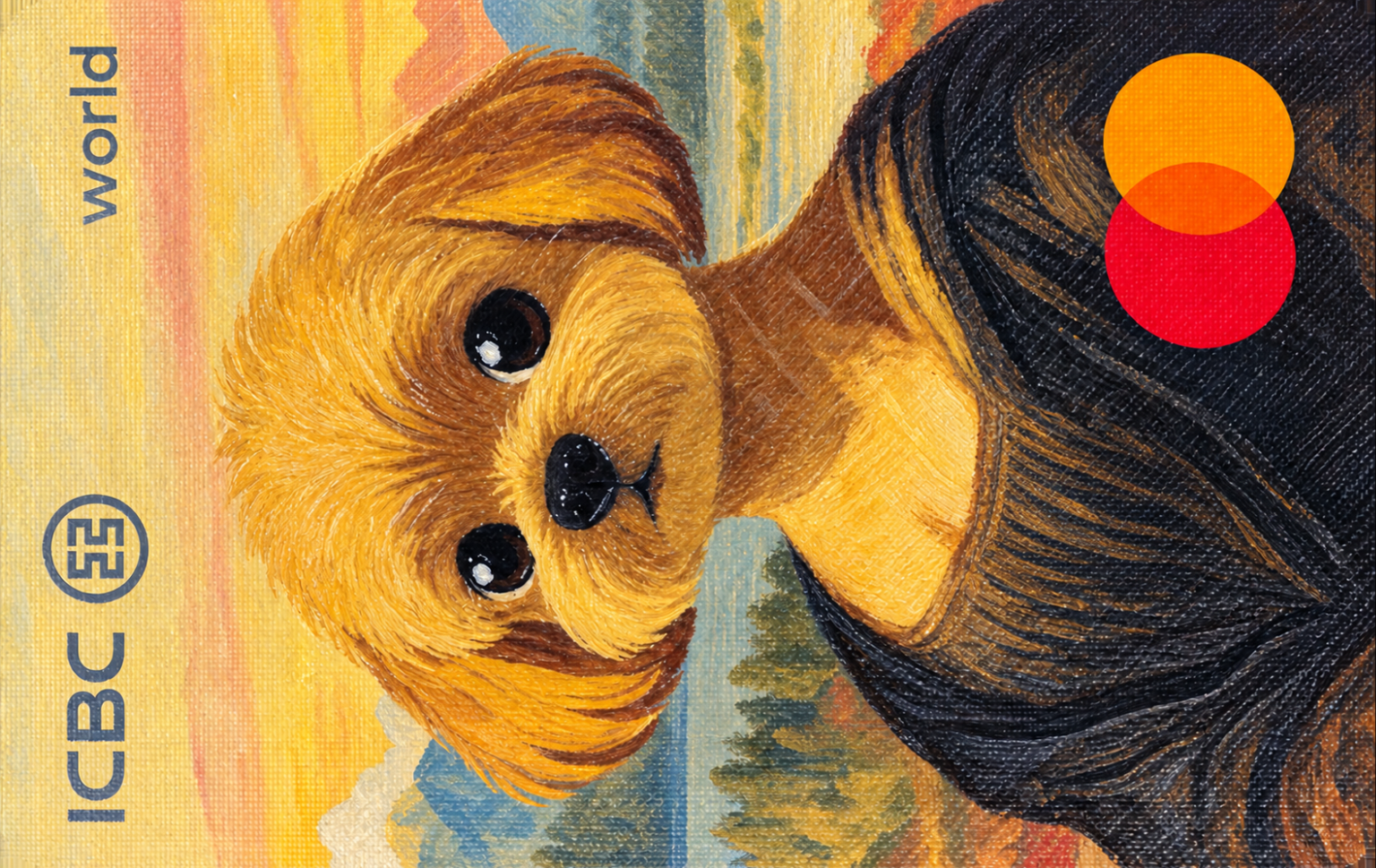
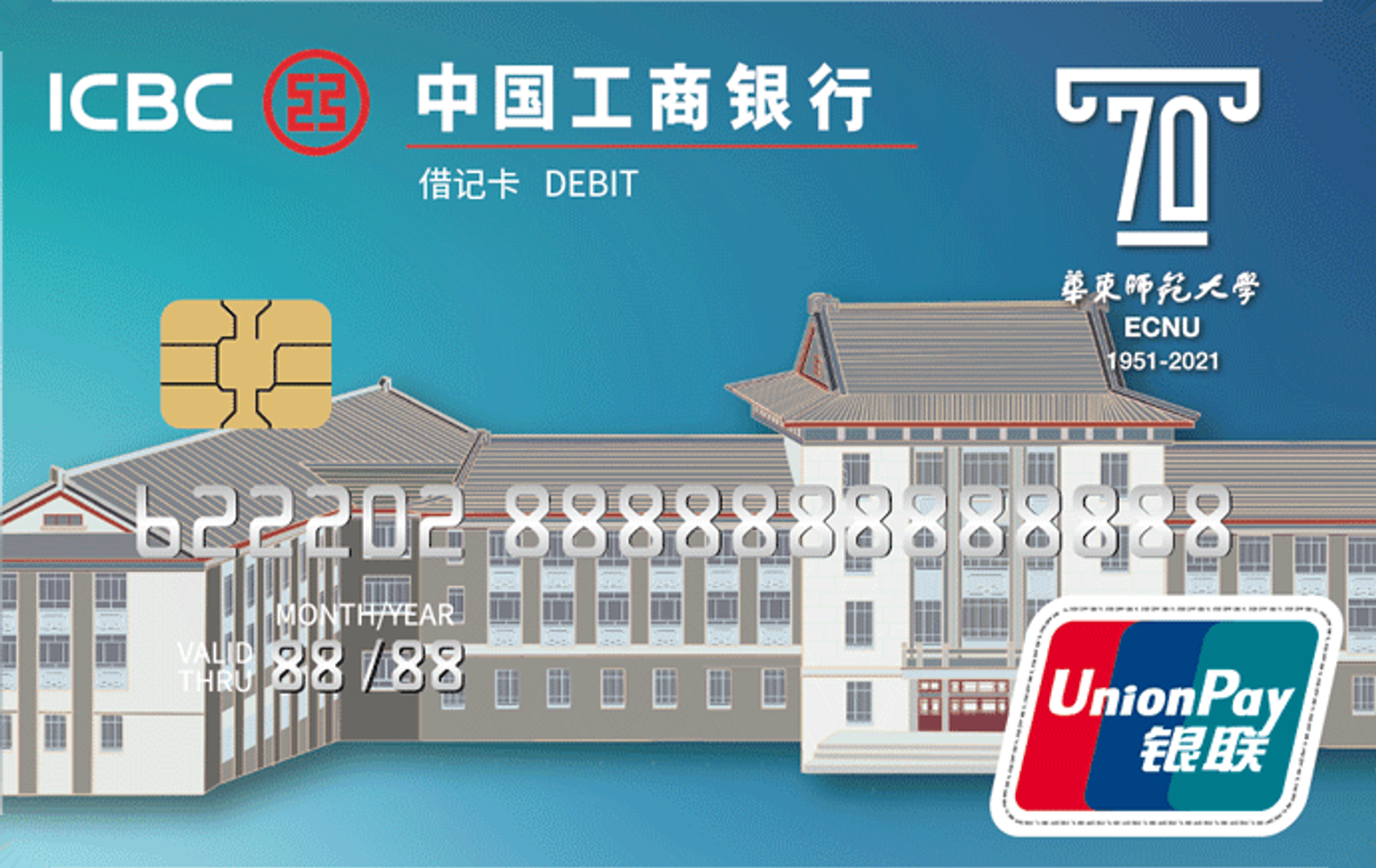
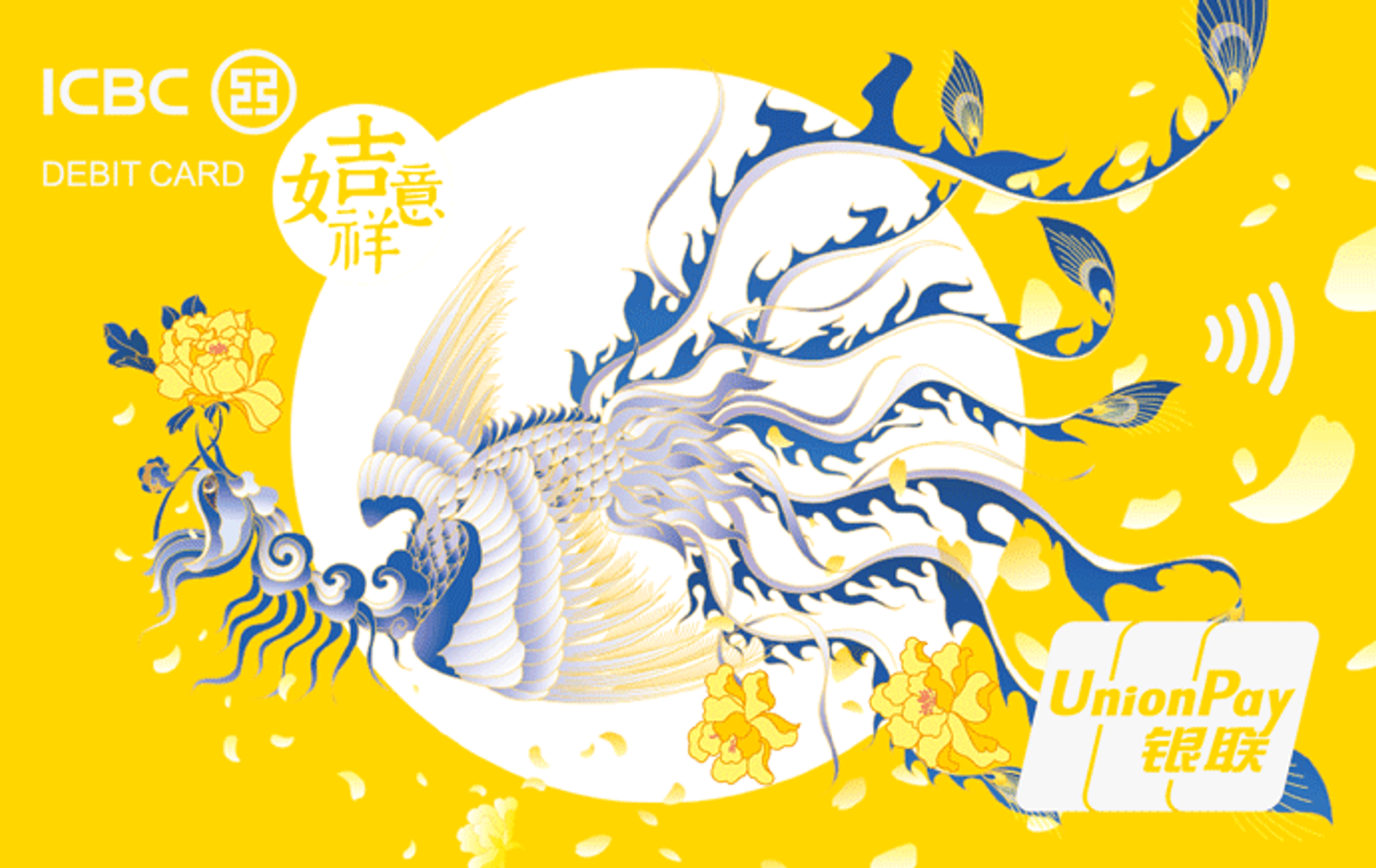
102 covers. Find a design you recognize. Download the PNG. Make it your Monaura account cover.
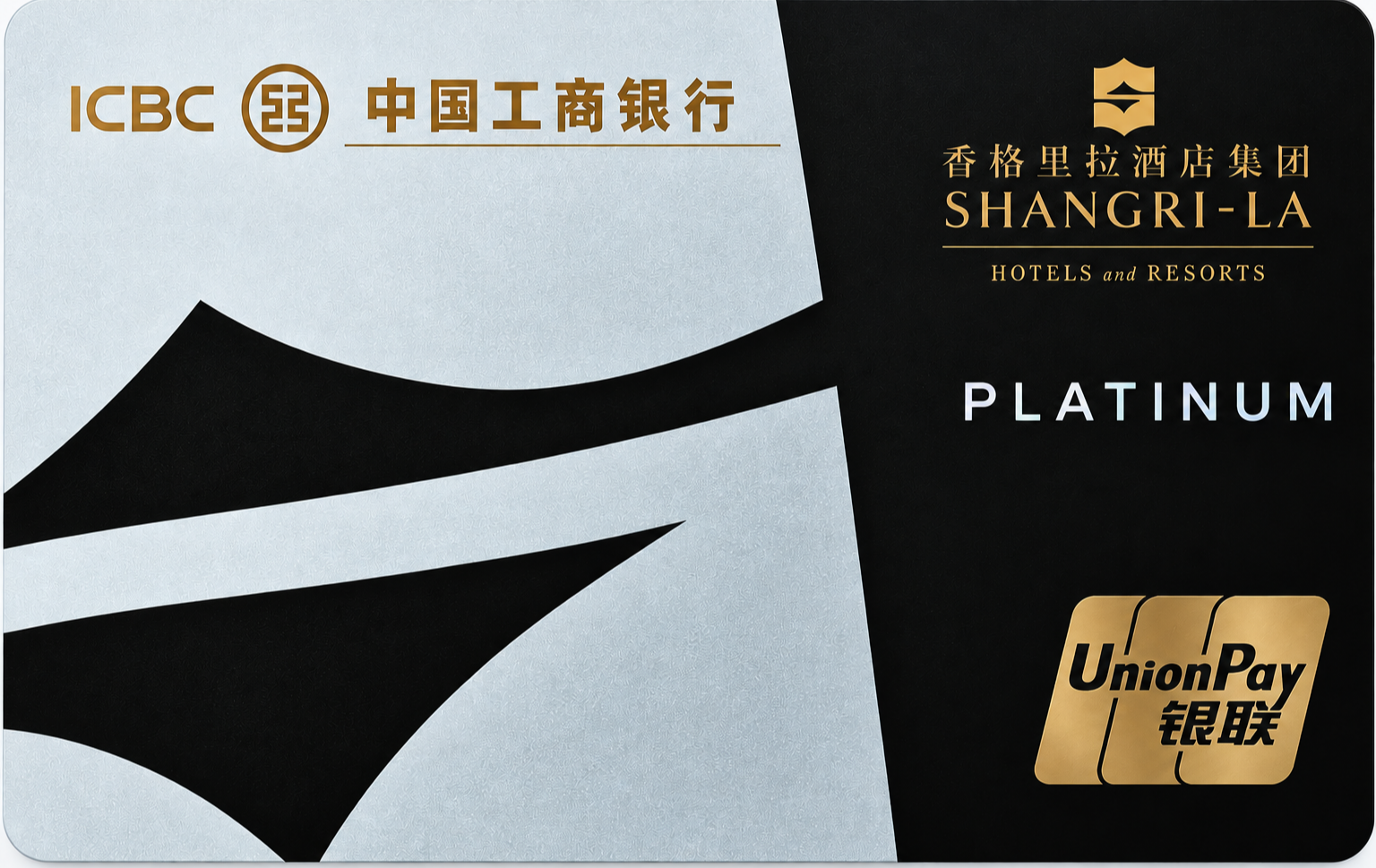
Preview unavailableIndustrial and Commercial Bank of China (ICBC)
 Preview unavailable
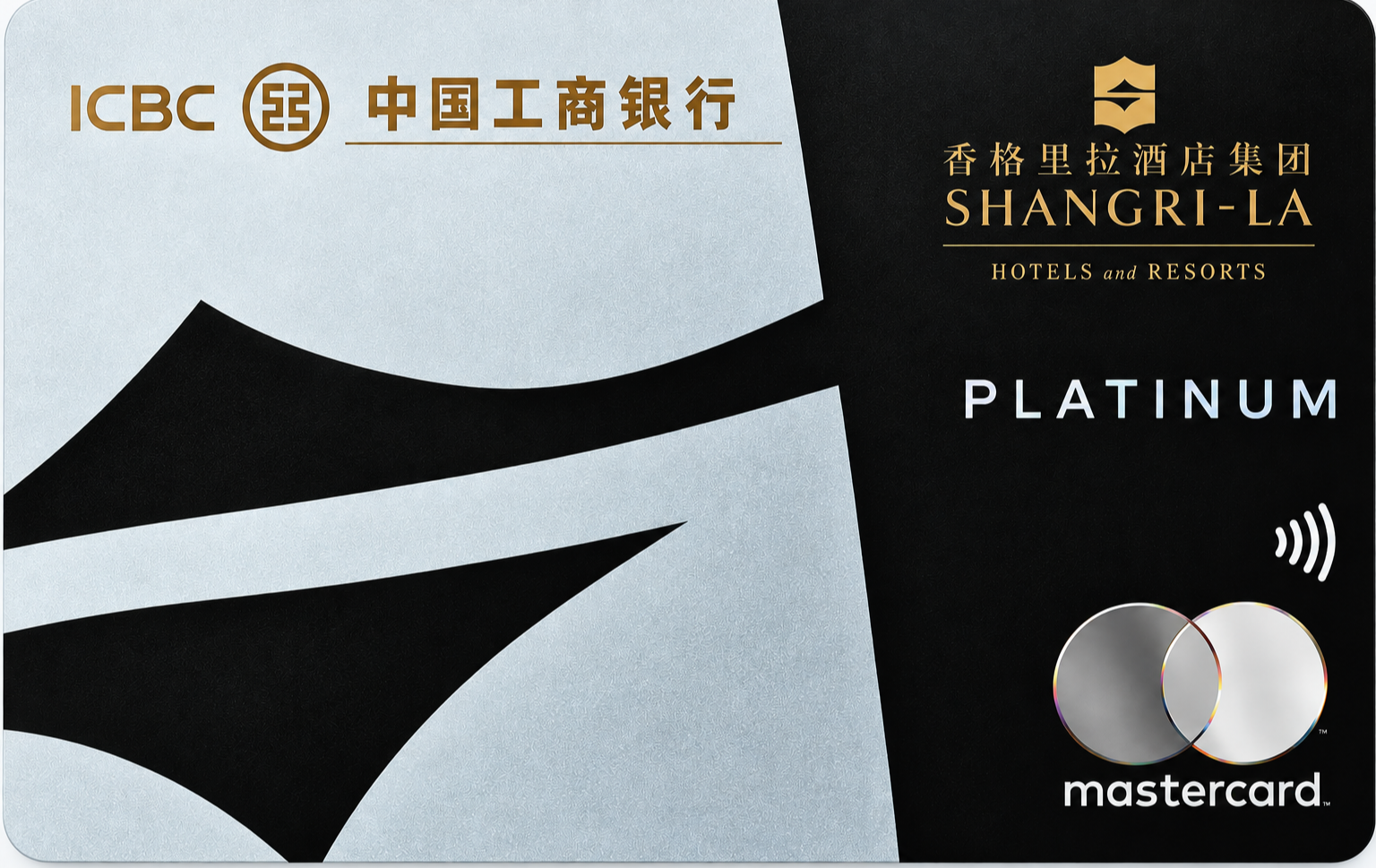
Industrial and Commercial Bank of China (ICBC)
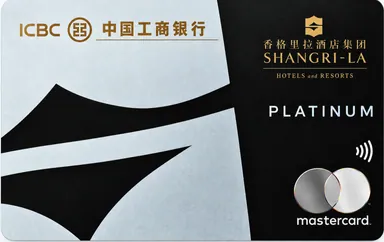 Preview unavailable
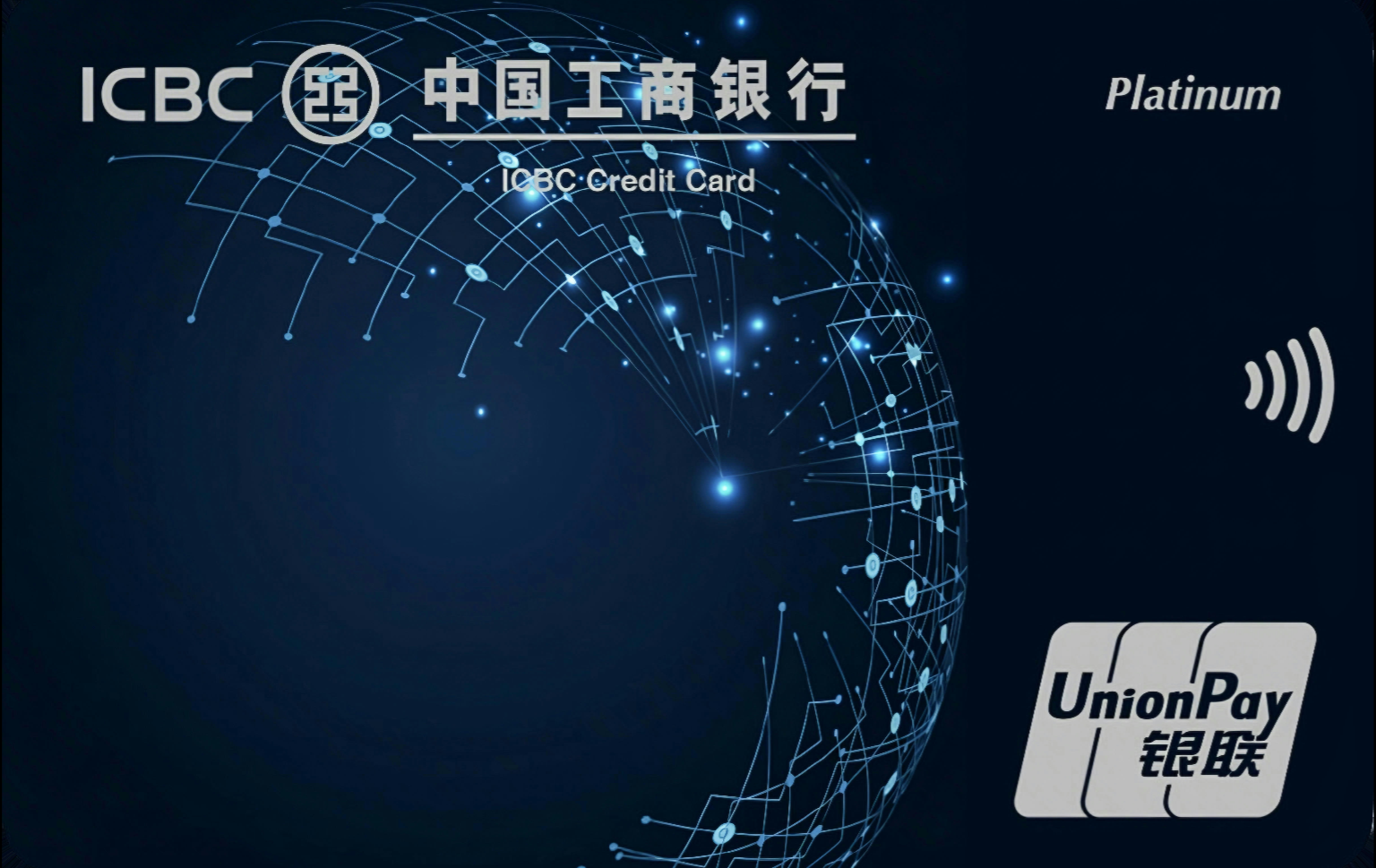
Industrial and Commercial Bank of China (ICBC)
 Preview unavailable
Industrial and Commercial Bank of China (ICBC)
 Preview unavailable
Industrial and Commercial Bank of China (ICBC)
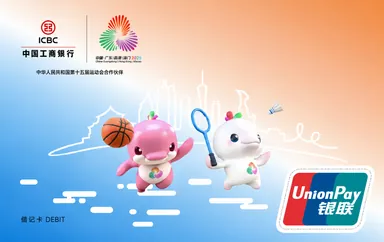 Preview unavailable
Industrial and Commercial Bank of China (ICBC)
 Preview unavailable
Industrial and Commercial Bank of China (ICBC)
 Preview unavailable
Industrial and Commercial Bank of China (ICBC)
 Preview unavailable
Industrial and Commercial Bank of China (ICBC)
 Preview unavailable
Industrial and Commercial Bank of China (ICBC)
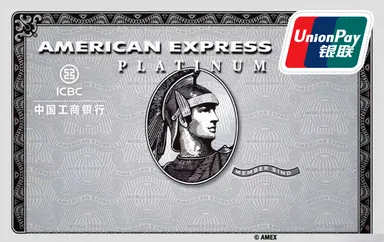 Preview unavailable
Industrial and Commercial Bank of China (ICBC)
 Preview unavailable
Industrial and Commercial Bank of China (ICBC)
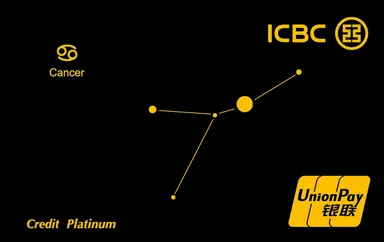 Preview unavailable
Industrial and Commercial Bank of China (ICBC)
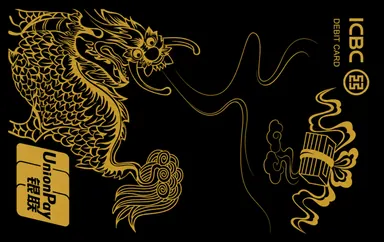 Preview unavailable
Industrial and Commercial Bank of China (ICBC)
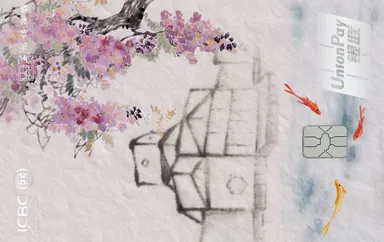 Preview unavailable
Industrial and Commercial Bank of China (ICBC)
 Preview unavailable
Industrial and Commercial Bank of China (ICBC)
 Preview unavailable
Industrial and Commercial Bank of China (ICBC)
 Preview unavailable
Industrial and Commercial Bank of China (ICBC)
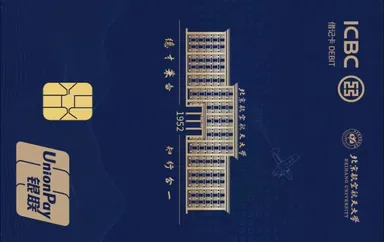 Preview unavailable
Industrial and Commercial Bank of China (ICBC)
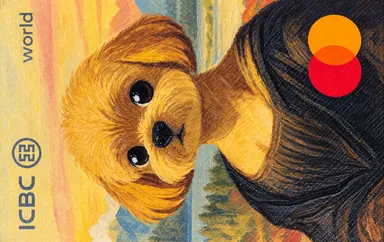 Preview unavailable
Industrial and Commercial Bank of China (ICBC)
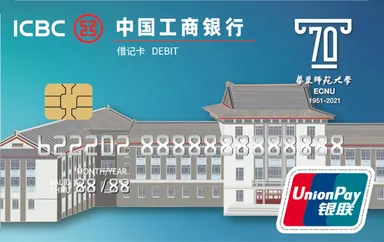 Preview unavailable
Industrial and Commercial Bank of China (ICBC)
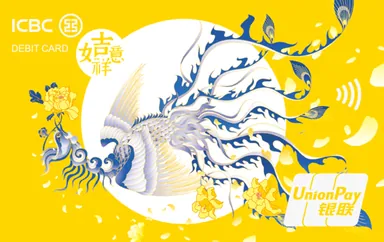 Preview unavailable
Industrial and Commercial Bank of China (ICBC)
 Preview unavailable
Industrial and Commercial Bank of China (ICBC)
 Preview unavailable
Industrial and Commercial Bank of China (ICBC)
Try a shorter name or clear some filters.
A FAMILIAR FACE, EVERY DAY
A cover makes your account easier to recognize. Your records and balance stay with Monaura.
Get MonauraDownload the original image. On iPhone, save it to Photos. If it lands in Files, open the PNG and choose Share → Save Image.
In the current iOS app, open an account’s edit screen and select Choose Cover or Change Cover. Pick your saved image.
Covers use an 800:504 frame. Preview the crop, confirm it and save your account. The download does not import itself into the app.
Card images and creator credits are provided by CardArt. Original images are preserved. Source attributes may be incomplete. CardArt ↗